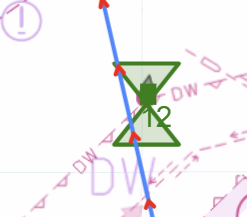
The course chart is designed to be fairly intuitive.
 The chart is populated with a range of shapes and colors that, if loosely, represent the actual shapes and colors of the physical marks. Circles, pennants, triangles, rectangles are all provided in a range of colors. A set of icons on the right lets you select chart type, wind, and current icons.
A few marks have more abstract appearances on the course. A gate is shown as a pair of tan circles and course lines coming out in both directions. The finish has a blue circle around it.
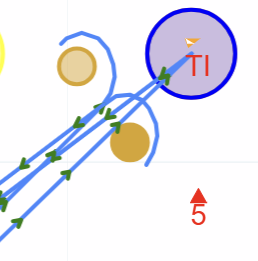
Course lines are blue with direction arrows. The arrows are color coded with the likely wind angles faced by boats on those courses.
A rounding mark is indicated with a red or green circle around it. A passing mark that does not affect the straight-line course is indicated with a double triangle.